Advertisement

WhatsApp Launches Parent-Managed Accounts for Kids Under 13 with Strict Safety Controls
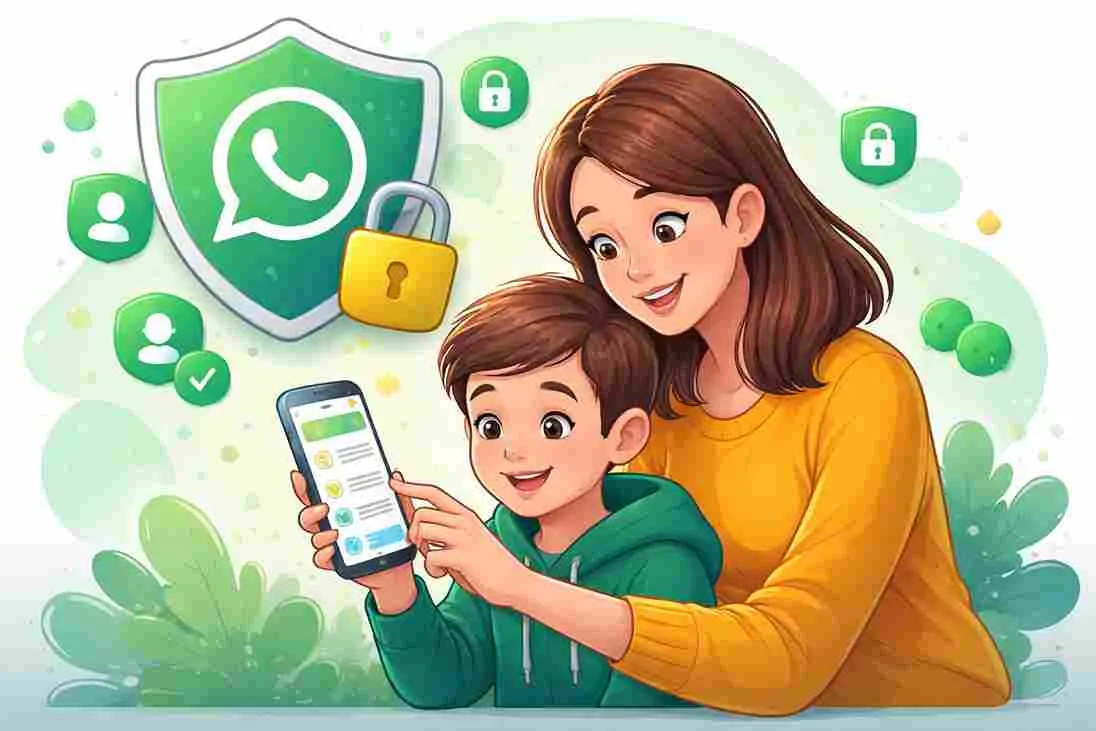
WhatsApp has officially launched Parent-Managed Accounts, allowing children under the age of 13 to use the platform under strict parental supervision.
The feature, announced on March 11, 2026, is designed to give younger users a safe and guided messaging experience while maintaining the platform’s core privacy protections.
With this update, parents can monitor how their children use the app, control contacts, and receive activity alerts without being able to read private messages.
Key Safety Features for Kids
The parent-managed accounts work as a simplified version of WhatsApp focused mainly on safe communication.
1. Parental Approval for Contacts
Children can only receive messages from contacts saved on their phone. Messages or group invites from unknown numbers go to a “Requests” folder, which requires parental approval.
2. Parent PIN for Settings
All privacy settings and contact management are protected by a six-digit Parent PIN known only to the parent.
3. Activity Alerts
Parents receive real-time notifications if their child:
- Adds a new contact
- Joins or leaves a group
- Blocks someone
These alerts help parents stay aware of their child’s messaging activity.
Some Features Disabled for Safety
To keep the platform safe and simple for younger users, several common features are disabled in parent-managed accounts, including:
- Meta AI and Channels
- Status updates
- Live location sharing
- View-once and disappearing messages
- Linked devices (the account works only on one phone)
Privacy Still Protected
Despite parental supervision, WhatsApp says children’s chats will remain private.
Because the platform uses end-to-end encryption, parents cannot read messages or listen to calls from their own devices. The system focuses on monitoring who children communicate with, rather than what they say.
How Parents Can Set It Up
Setting up a parent-managed account requires both the parent’s and the child’s phones.
Steps to create the account:
- Install WhatsApp on the child’s phone.
- Enter the child’s birth date and select “Create a parent-managed account.”
- A QR code appears on the child’s screen.
- The parent scans the code using their own WhatsApp.
- The parent verifies their identity.
- A 6-digit Parent PIN is created to control settings.
Why WhatsApp Introduced This Feature
The move comes after increasing global pressure on tech companies to improve online safety for children.
By allowing supervised accounts for users under 13, WhatsApp aims to reduce the number of “shadow accounts” where children falsely enter an older age to access the app.
The company hopes the new system will create a safer and more transparent way for families to introduce children to messaging apps.
Reader Feedback
Was this article useful?
Stay Connected
Get the next important story before you miss it.
Subscribe to the newsletter for trusted updates, or join our WhatsApp channel for quick top-story alerts from The Eastern Times.
WhatsApp Channel
Prefer instant alerts? Join our WhatsApp channel for top stories and breaking updates.
Join on WhatsApp